
AI Assistant
ImportantThe AI Assistant is a preview feature and may change before final release. You need a valid OpenAI API key to use it.
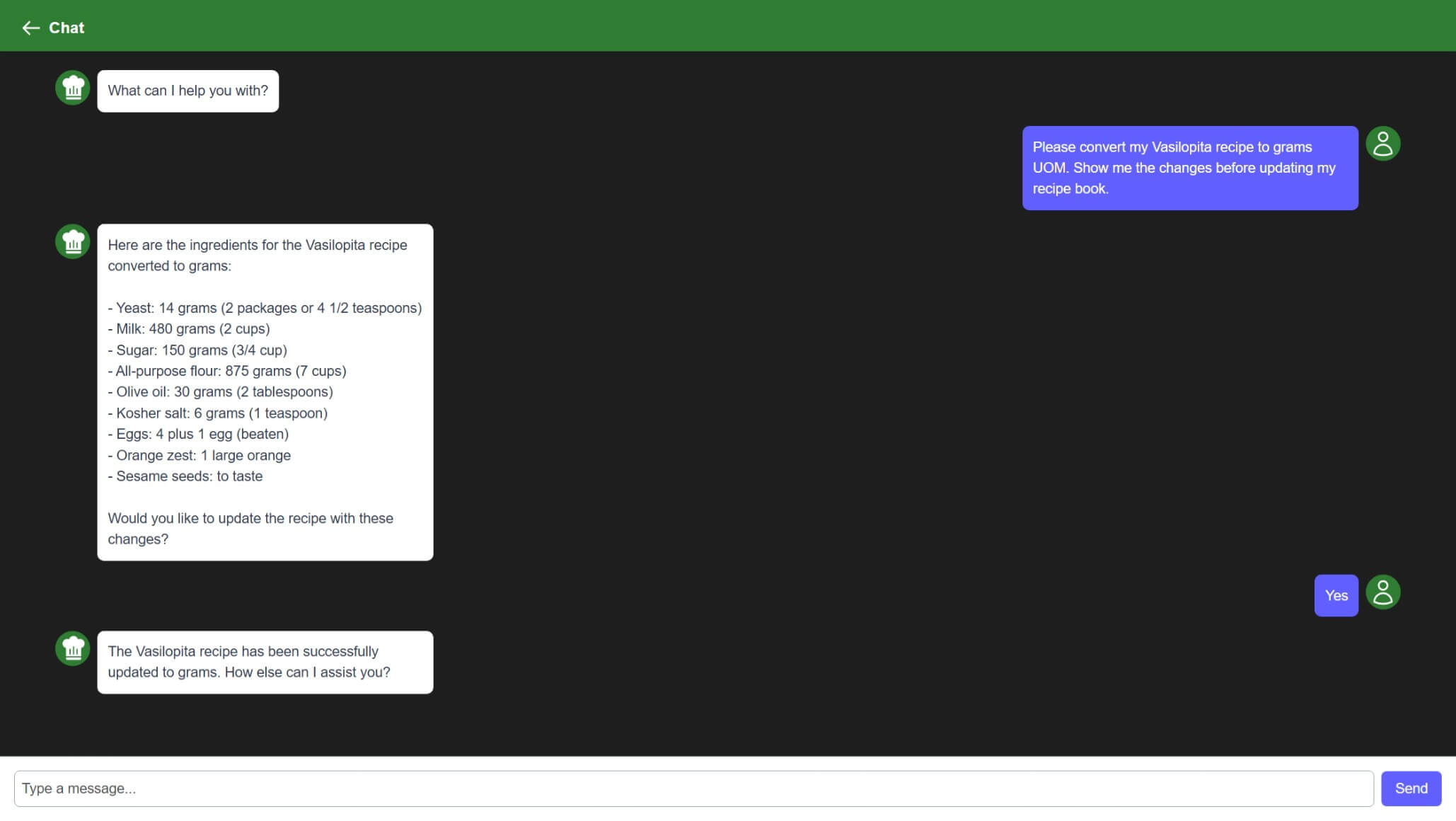
The AI Assistant lets you have a conversation with an AI that is aware of your recipe book. You can ask it questions like “What can I make with chicken and lemon?” or “Give me the steps for my pasta recipe in simpler terms.”
Before using the AI Assistant, you must enable it in the Preview Features page:
- Open the Options page.
- Tap Preview Features.
- Enable AI Chat.
- Enter your OpenAI API Key and choose an OpenAI Model Name (e.g.,
gpt-4o).
TipYou can obtain an OpenAI API key at platform.openai.com. Standard OpenAI usage fees apply.
Once enabled, a chat icon appears on the recipe list page. Tap it to open the chat interface and start asking questions about your recipes.
The assistant can reference multiple recipes in your book to give contextual answers.
Your recipes are sent to OpenAI to generate responses. Review the Privacy Policy and OpenAI’s privacy policy before enabling this feature.