Recipe Categories
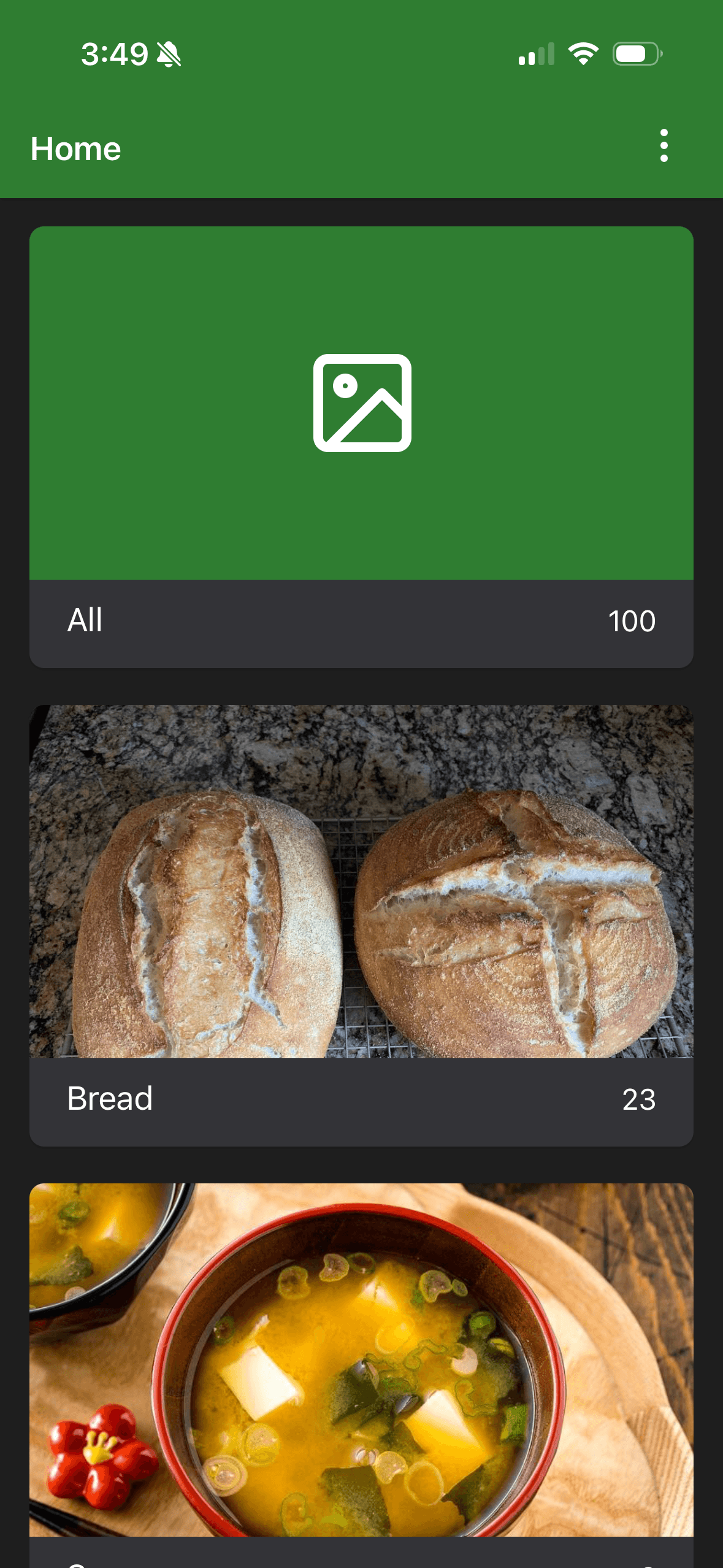
Recipe categories let you group your recipes for easier browsing and filtering. You can assign one or more categories to each recipe when creating or editing it.
 ➡️
➡️
When creating or editing a recipe, scroll to the Category field and type the category name. You can add multiple categories to the same recipe.
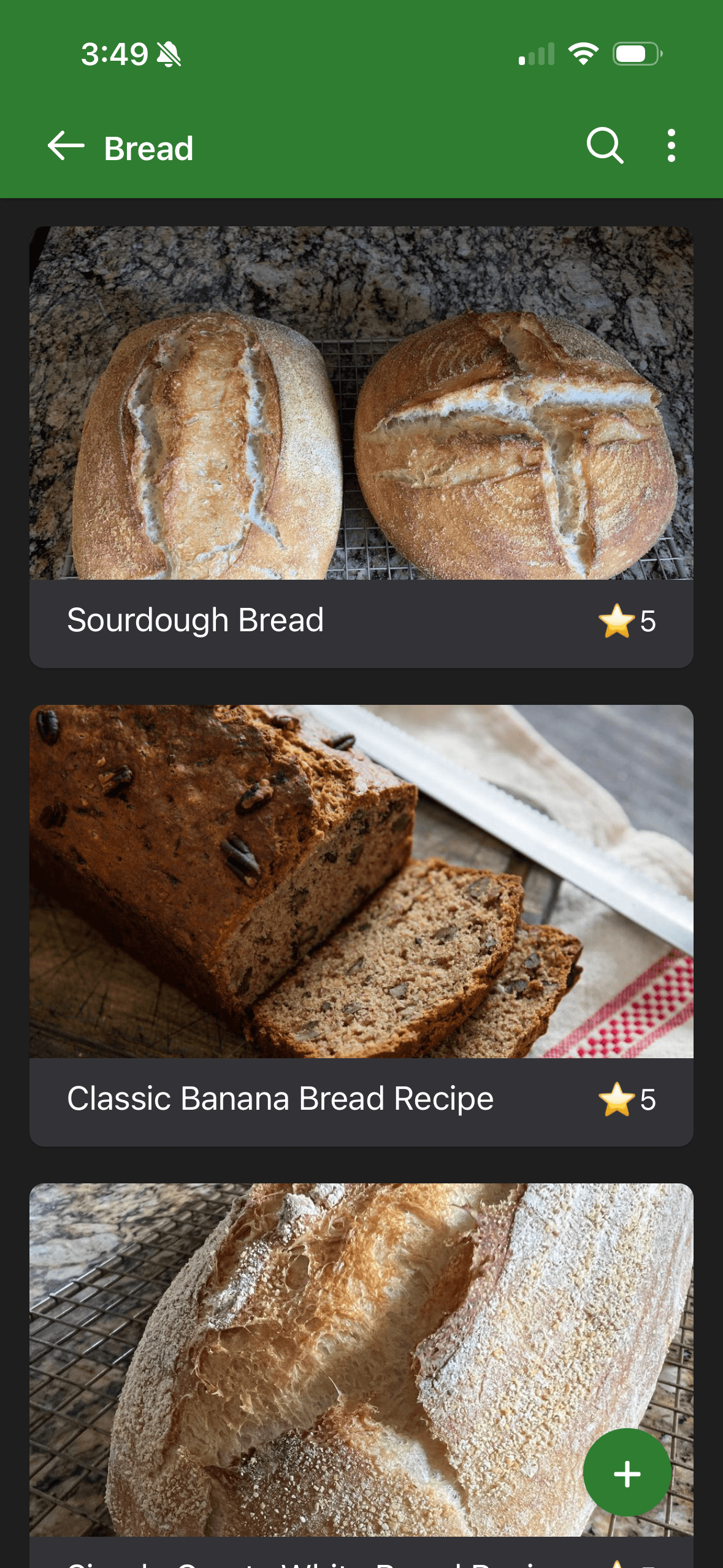
On the recipe list page, categories appear as filter buttons at the top. Tap a category to show only the recipes belonging to that group. Tap All to remove the filter and show every recipe.
By default, the All category appears first in the list. You can change this in the Options page — toggle the All category first option off to move it to the end of the category list.
TipCategories are a great way to separate breakfast, lunch, dinner, and dessert recipes so you can quickly find what you need.