
Create or update a recipe
Creating or adjusting a recipe is as simple as it gets. There are, however, a few conventions that will help your recipes look and work the best within Sharp Cooking:
- Start each ingredient with a number followed by a unit of measure.
- Keep ingredient description short. Use the notes fields for any lengthy description or explanation
- When denoting time in instructions use the following syntax where x is a number: x min; x minute; x minutes; x hour; x hours; x day; x days
Example ingredients:
| Ingredient | Good? | Notes |
|---|---|---|
| 1000 grams flour | ✔️ | Perfect! |
| 10g salt | ✔️ | You don’t have to separate quantity and UOM |
| 1.5 sticks of butter | ✔️ | decimals are fine |
| 1/2 carrot | ✔️ | Fractions are also fine |
| 1 1/2 limes | ✔️ | Composite fractions work too. Note that no connection between the whole number and fraction is needed |
| 1 or 2 carrots | ❌ | The multiplier feature will not understand this because it requires a single quantity for ingredients |
| 1 bunch of trimmed and finely chopped cilantro | ❌ | The ingredient is too wordy and the display may not look nice. You can move the details to the instructions area and simplify the ingredient. |
Example instructions:
| Instructions | Good? | Notes |
|---|---|---|
| Mix all ingredients | ✔️ | Time notation is not required. If ommitted a configurable amount of time is assumed for display |
| Bake at 450F for 35 minutes | ✔️ | The time for this step will be read as 35 minutes |
| Cook for 15 minutes, cover, cook for another 15 minutes, and repeat | ❌ | Multiple instructions are not properly understood. Each time-bound operation should a be a dedicated instruction. |
| Boil for 20 seconds | ❌ | Only minutes, hours, and days are valid for time-bound instructions. |
Sharp Cooking offers two editing modes:
- Standard editor: Structured fields for title, ingredients, and steps.
- Simplified editor: A text-based format where you write the full recipe as plain text with clear section headers. Useful for quickly pasting in a recipe. The app will parse the text and populate the fields automatically.
You can switch between modes using the toggle at the settings page.
TipYou can use the enter key to create a new ingredient or step and move to it.
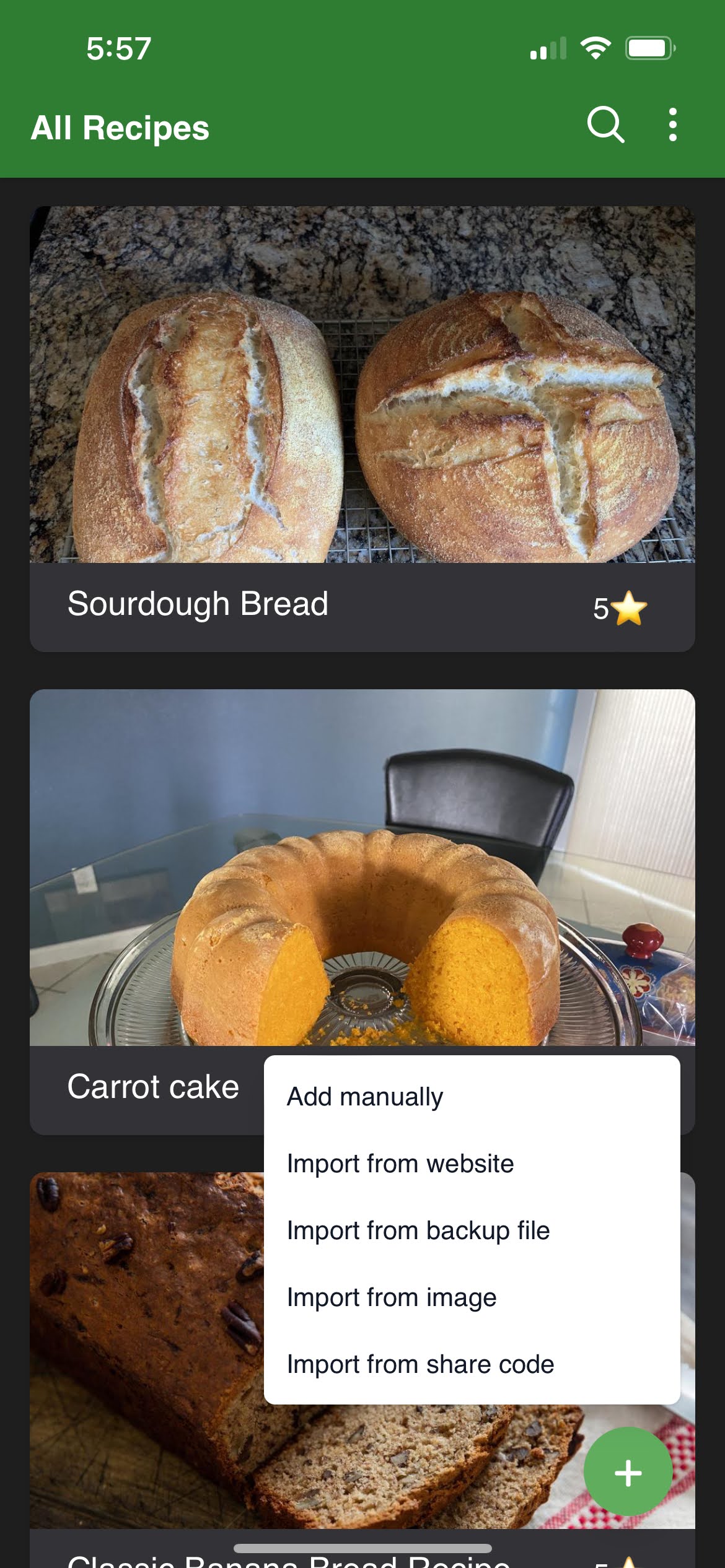 ➡️
➡️
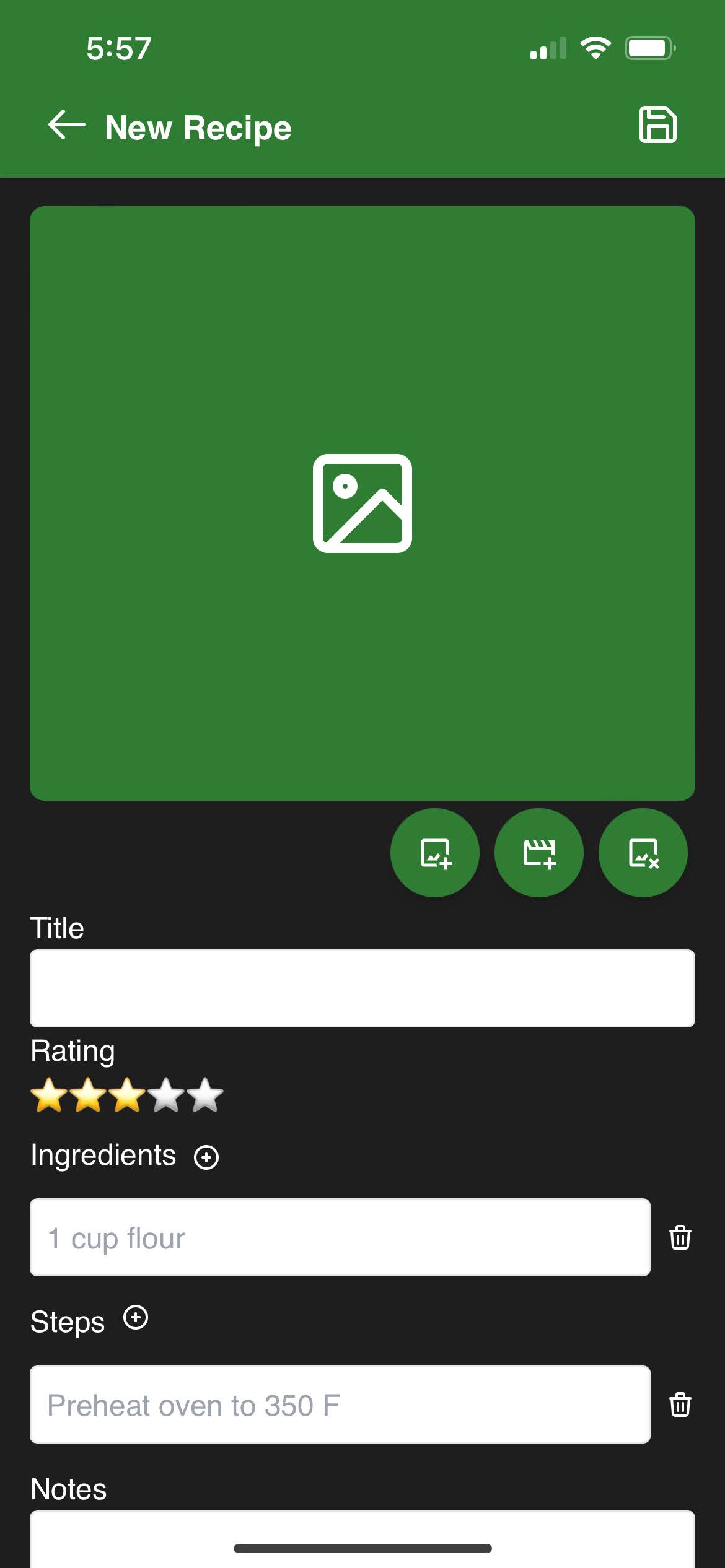
You can take pictures using your camera or use pictures from your camera reel. Additionally, you can also add YouTube videos by copying and pasting a link to the video.
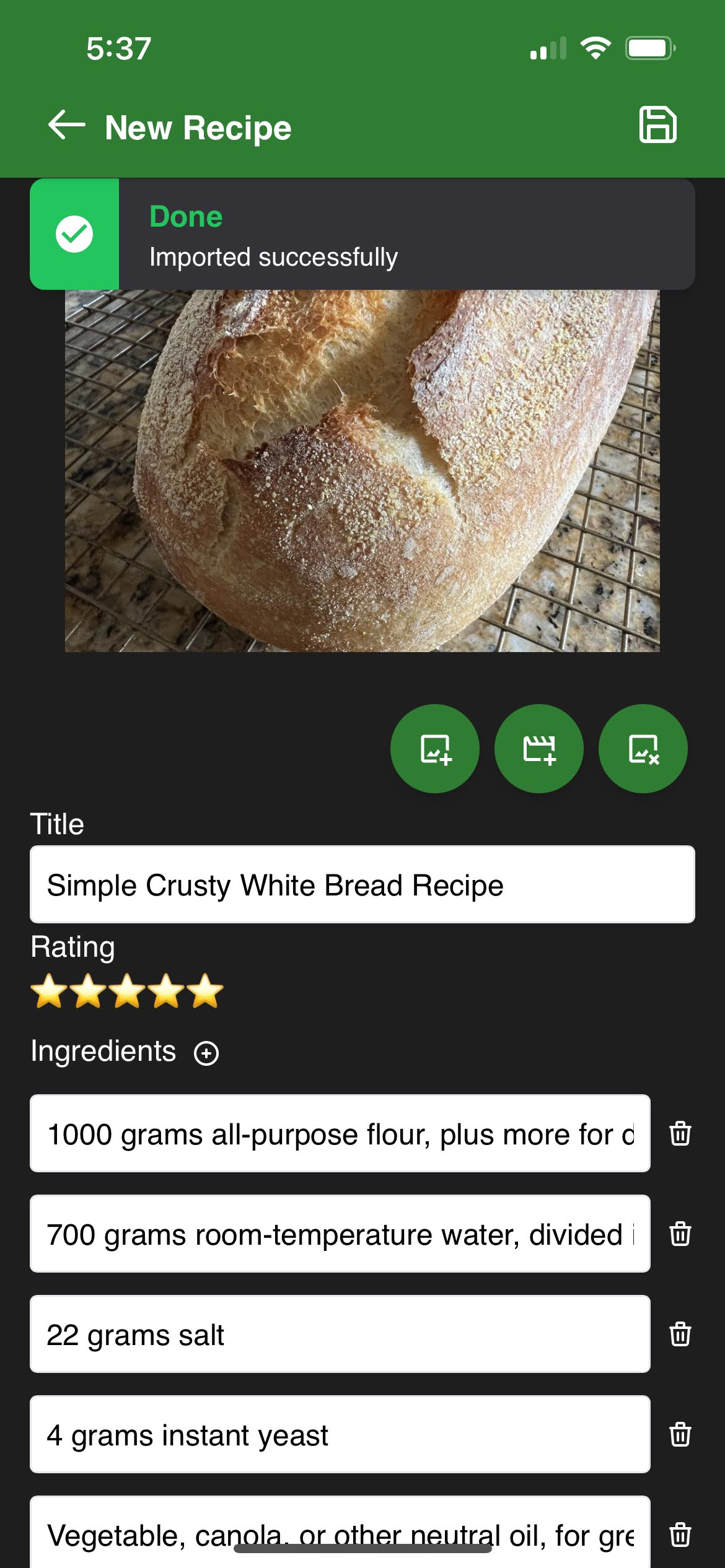
The import feature is very simple, you provide the URL of a recipe and sharp-cooking will do the rest. It is smart enough to break down the ingredients and steps for you so all you have to do is save.
Most modern recipe websites will now work with Sharp Cooking’s import feature. If your favorite website doesn’t work, create an issue in the GitHub repository.
TipBefore importing a recipe from website, you will need the address of the recipe. Using your favorite browser, navigate to the recipe page and copy its address from the browser’s address bar before proceeding.
See backup for details on how to restore a shared file.
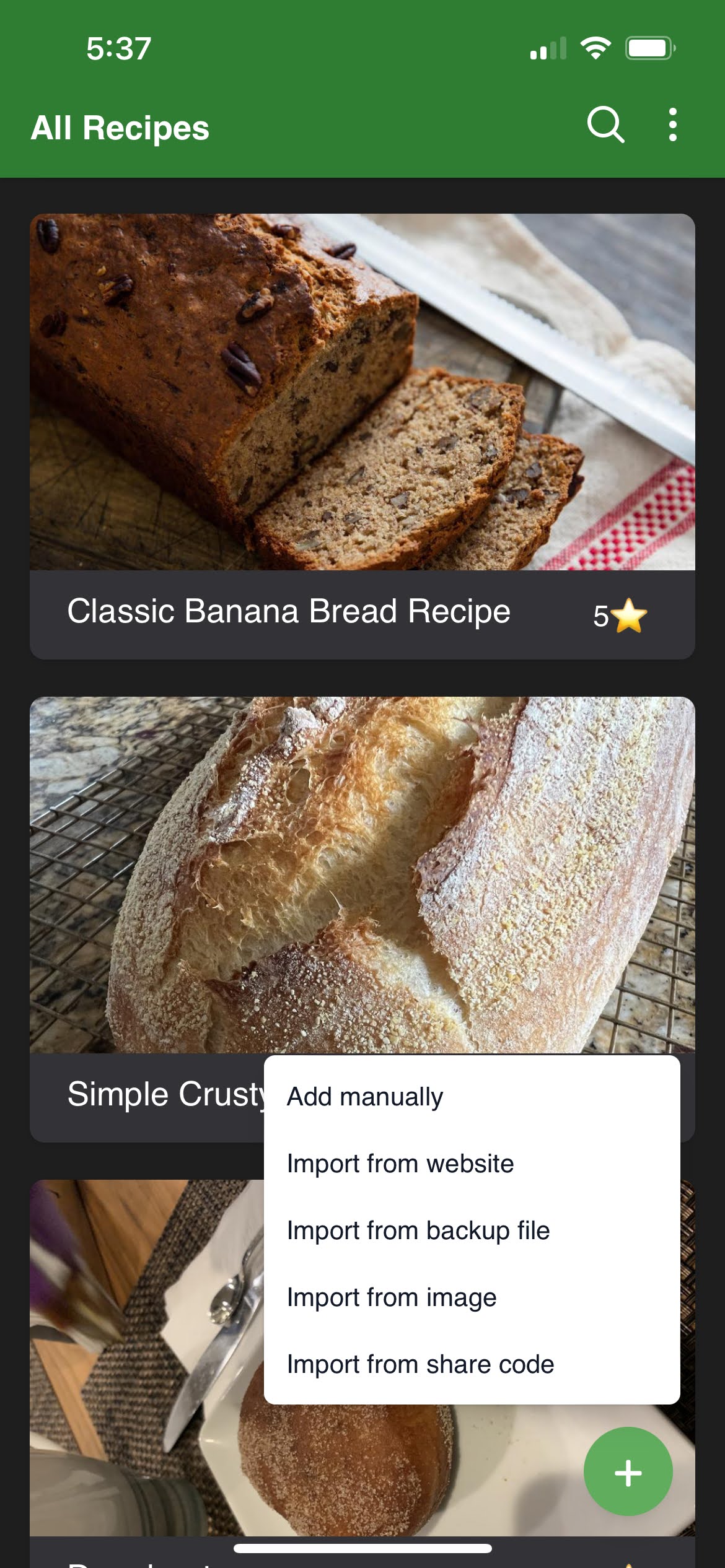 ➡️
➡️
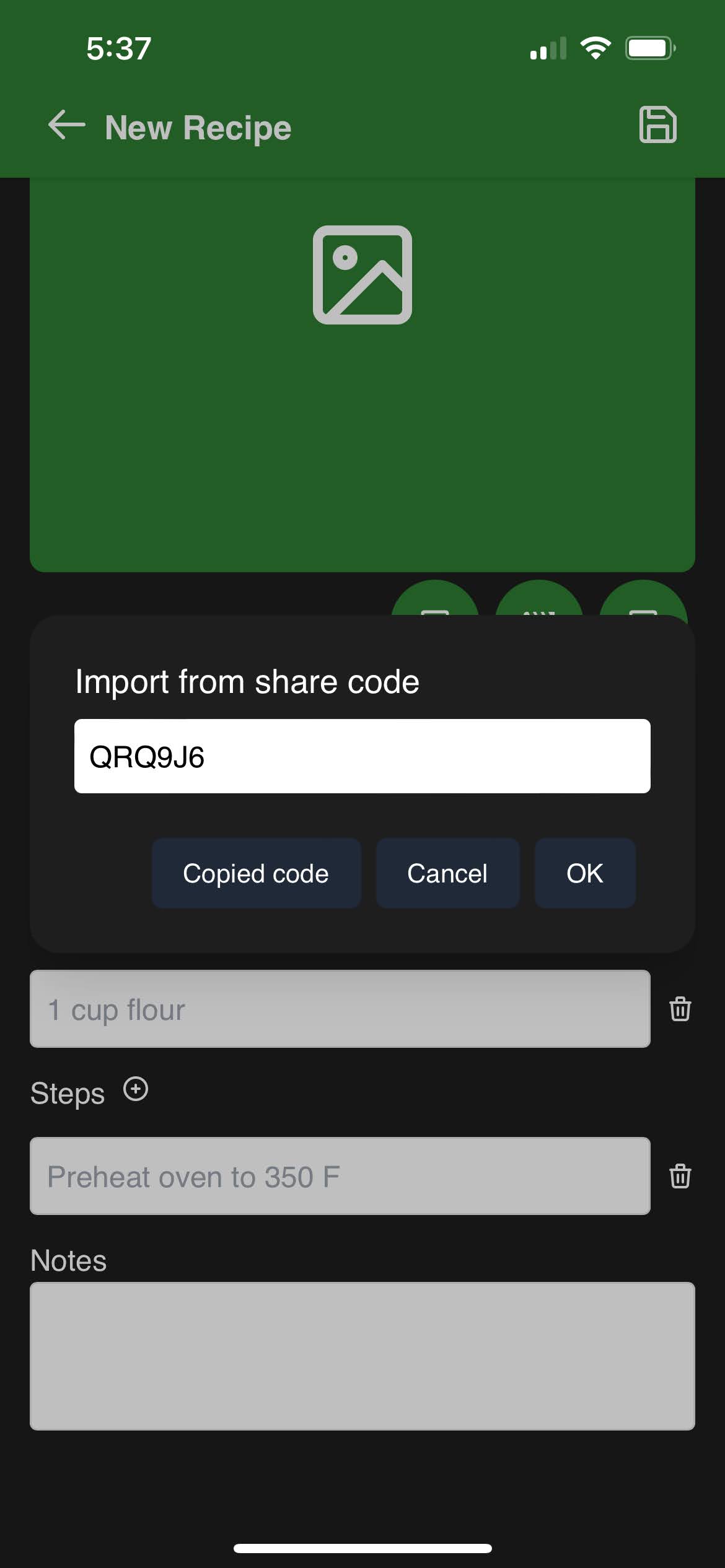 ➡️
➡️
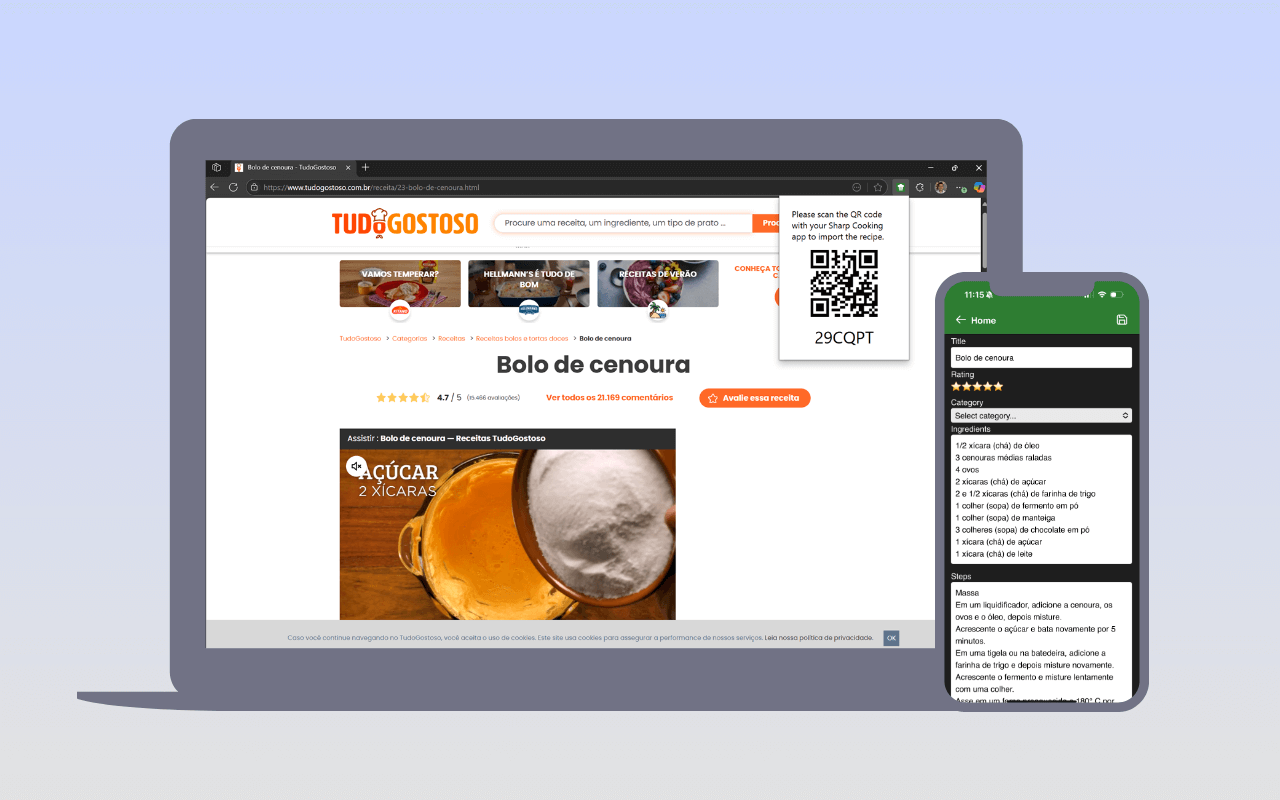
You can also import recipes using the Sharp Cooking browser extension. The extension parses the current page and generates a QR code that you scan from the Add page.
Sharp Cooking parses ingredients and instructions to extract quantities, units, and timings. If a recipe is written in a language different from your app language, the parsing may not work correctly. You can set the Recipe language in the edit page to tell the app which language to use for parsing that specific recipe.