Sharing
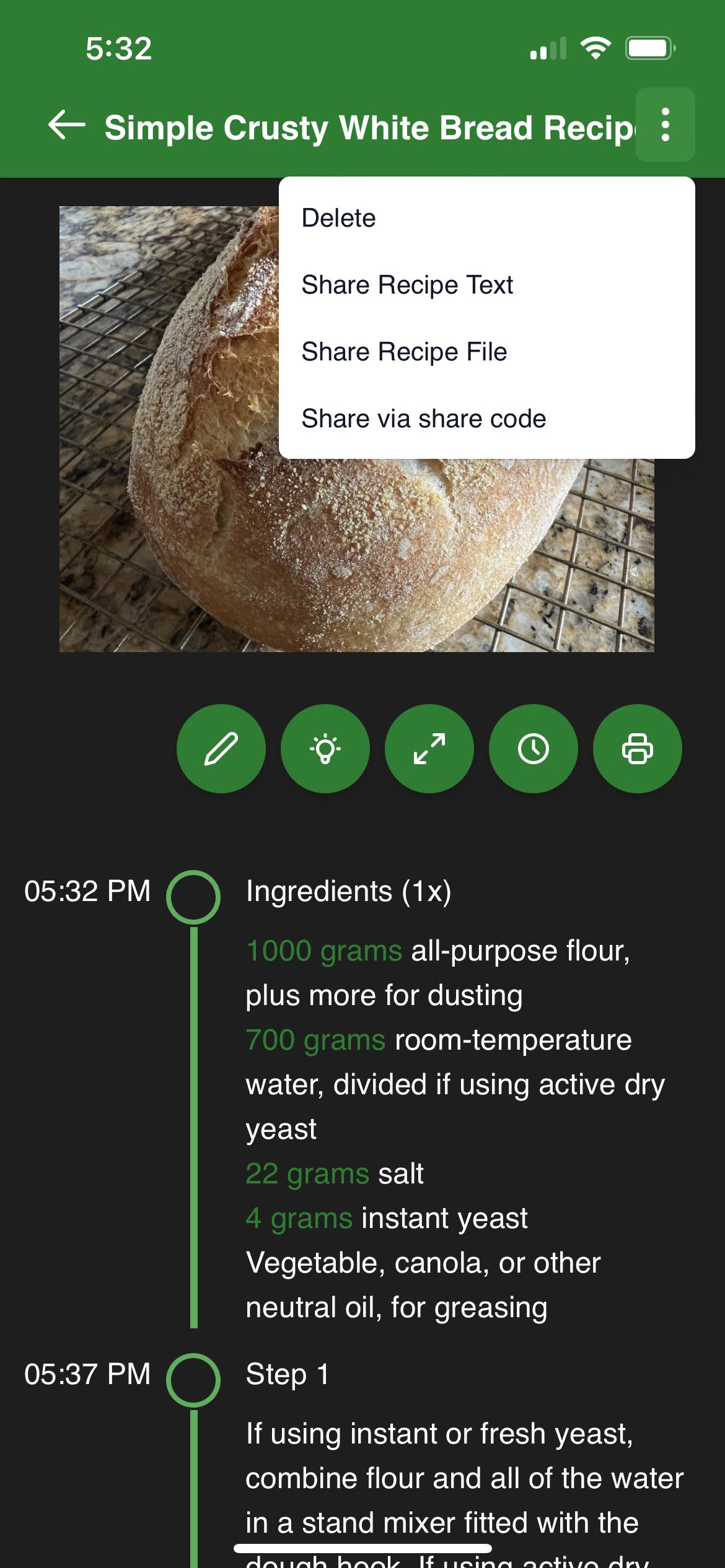
There are two primary ways of sharing your recipes: text and file.
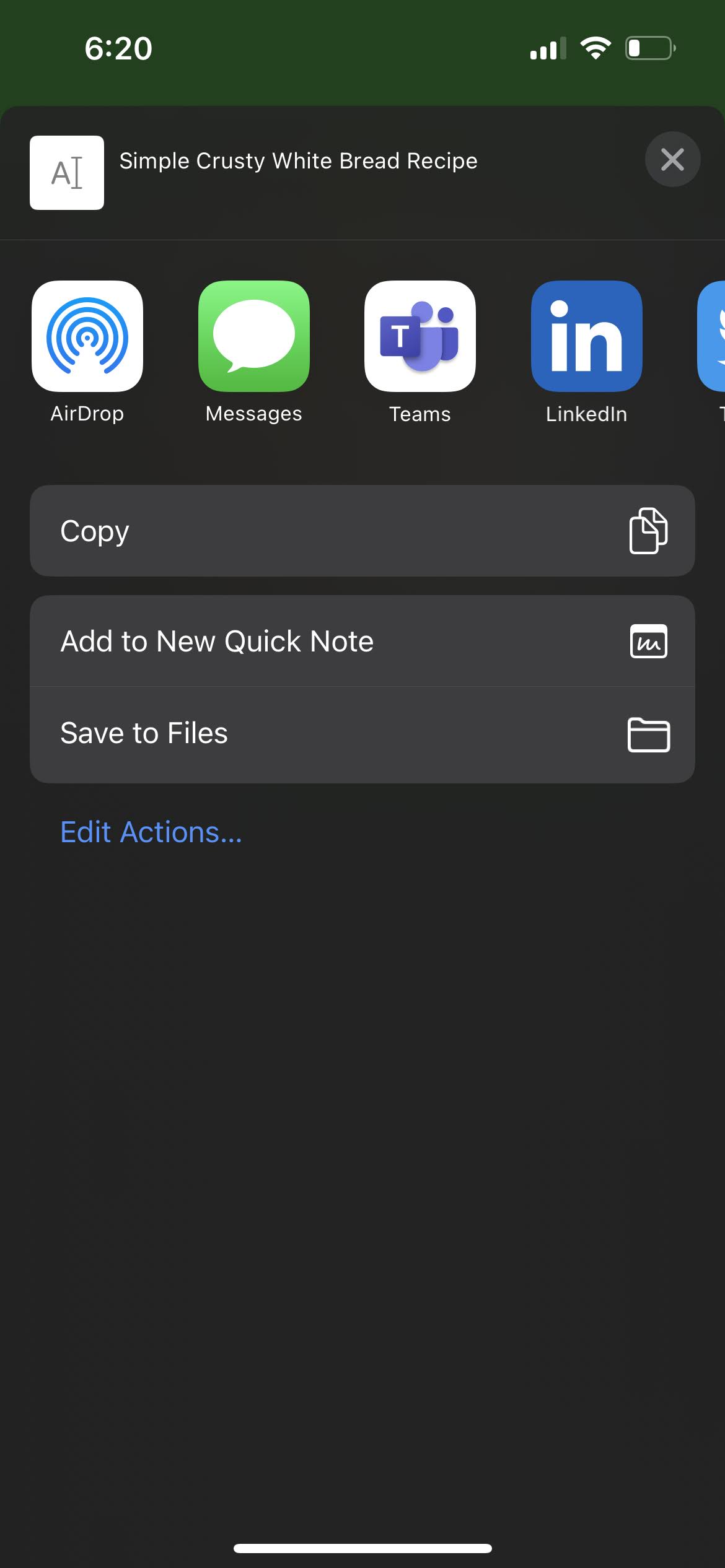
This is the simplest option to share your recipe. You can simply text your recipe to anyone else or save it to a text file. This option does not share the recipe images and cannot be directly imported into Sharp Cooking.
 ➡️
➡️
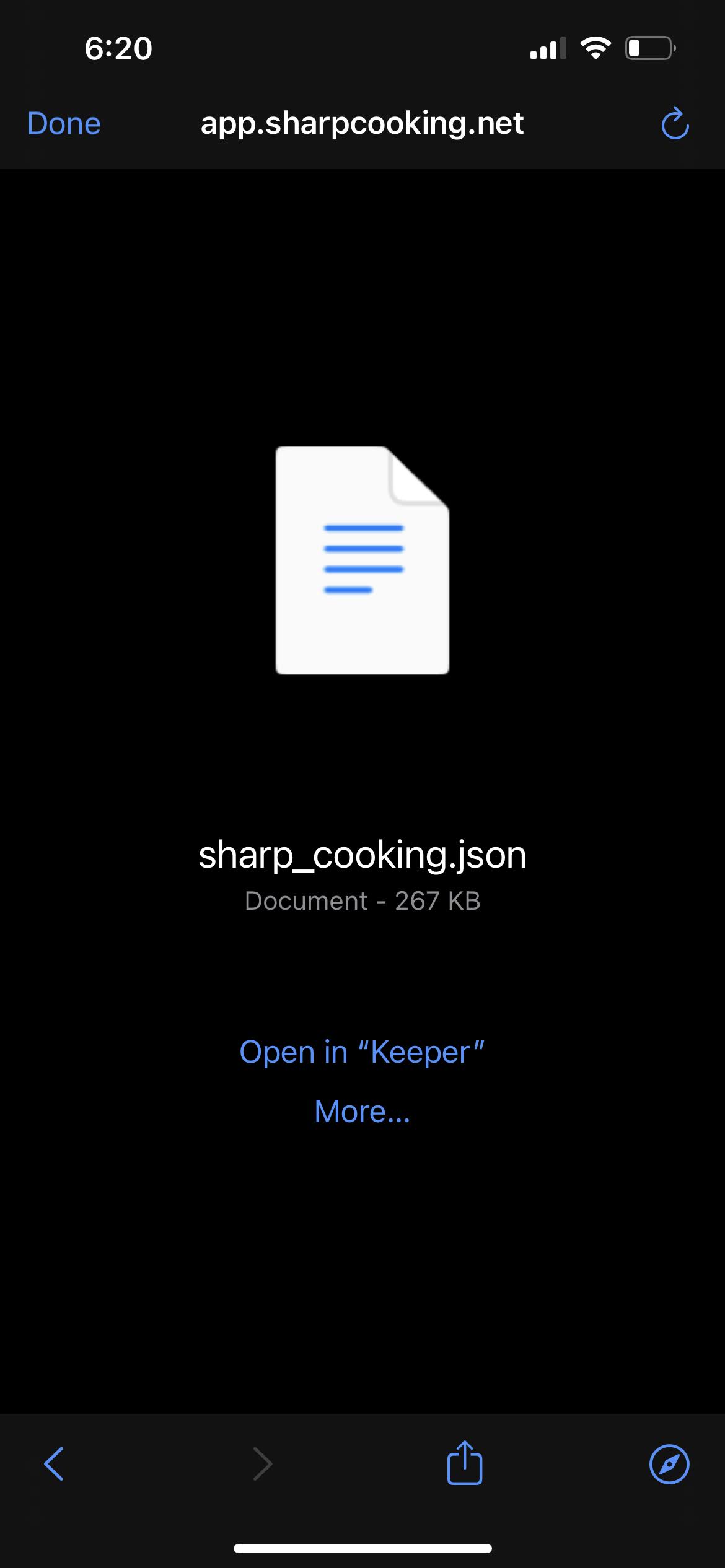
TipBacking up your recipes or sharing them use the same approach in Sharp Cooking. This gives you the ability to take a backup in Settings page and send the generated file to a friend or family.
Using this method, you share a file that can be imported directly in Sharp Cooking. The file includes everything about a recipe including the images associated to it.
➡️
See backup for details on how to restore a shared file.
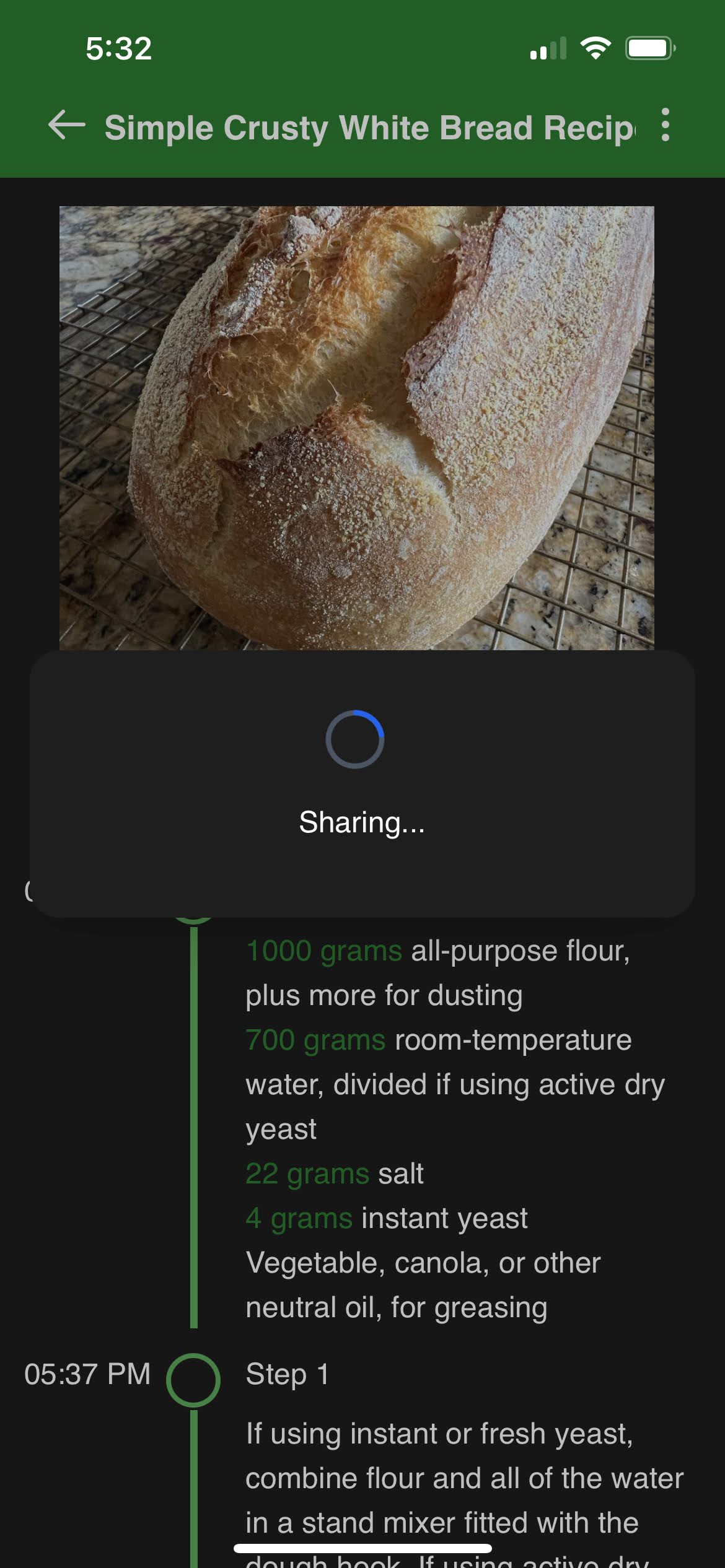
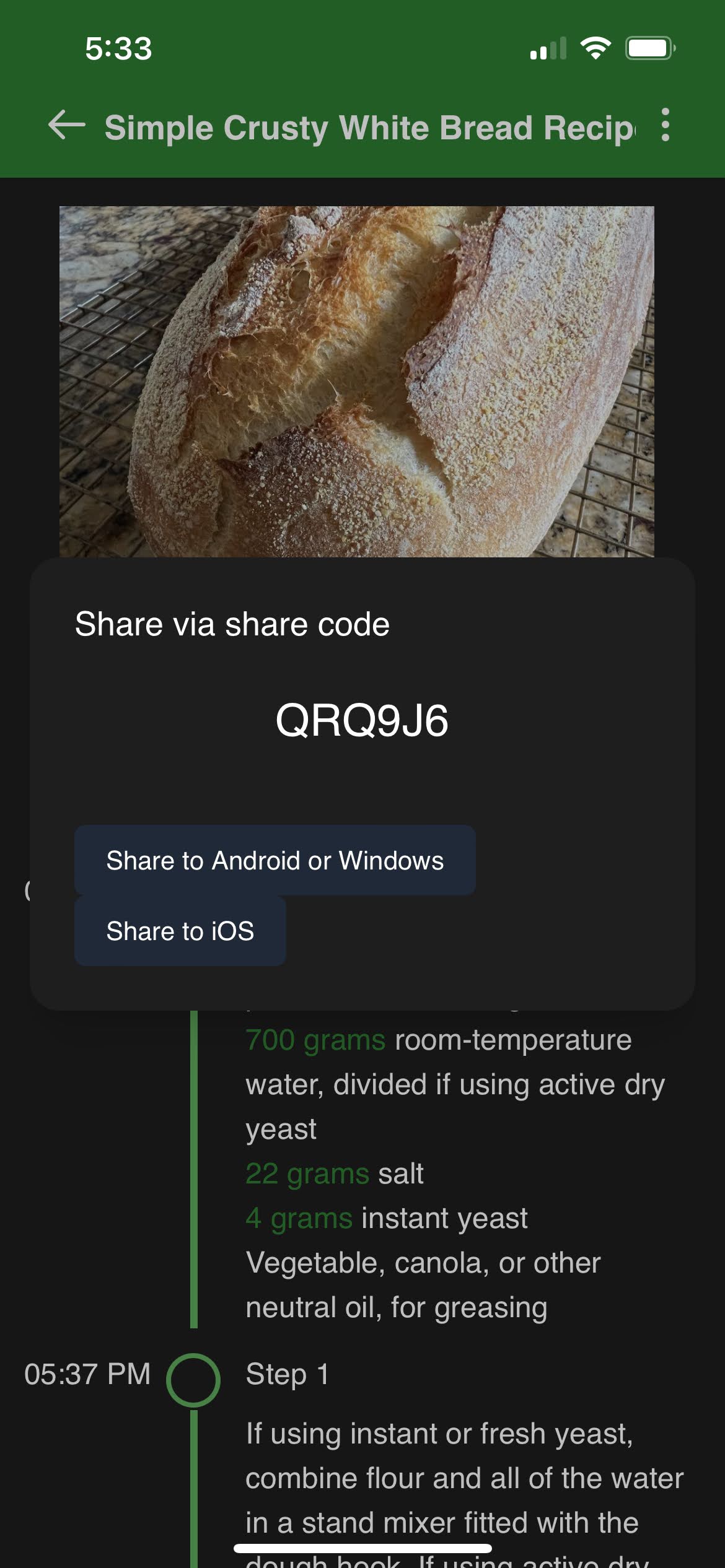
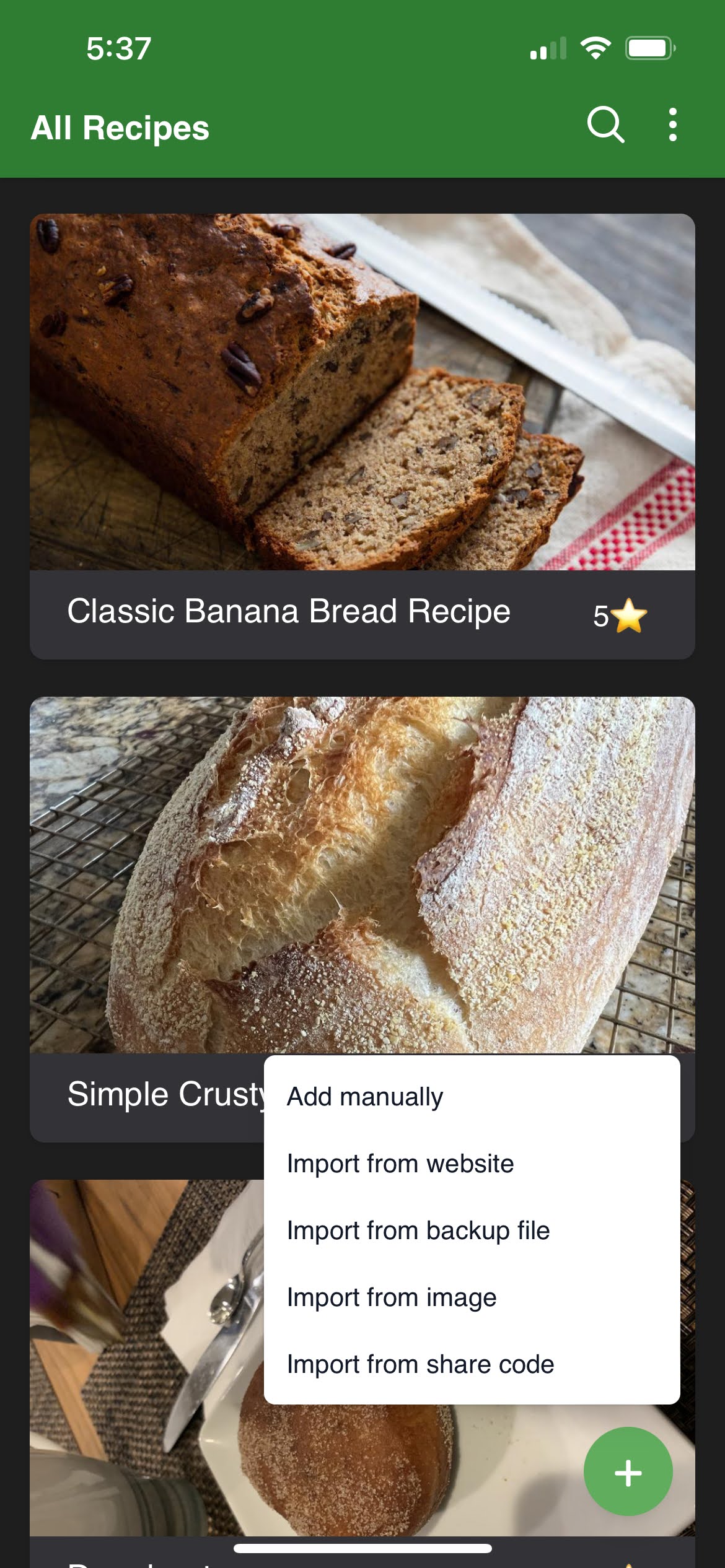
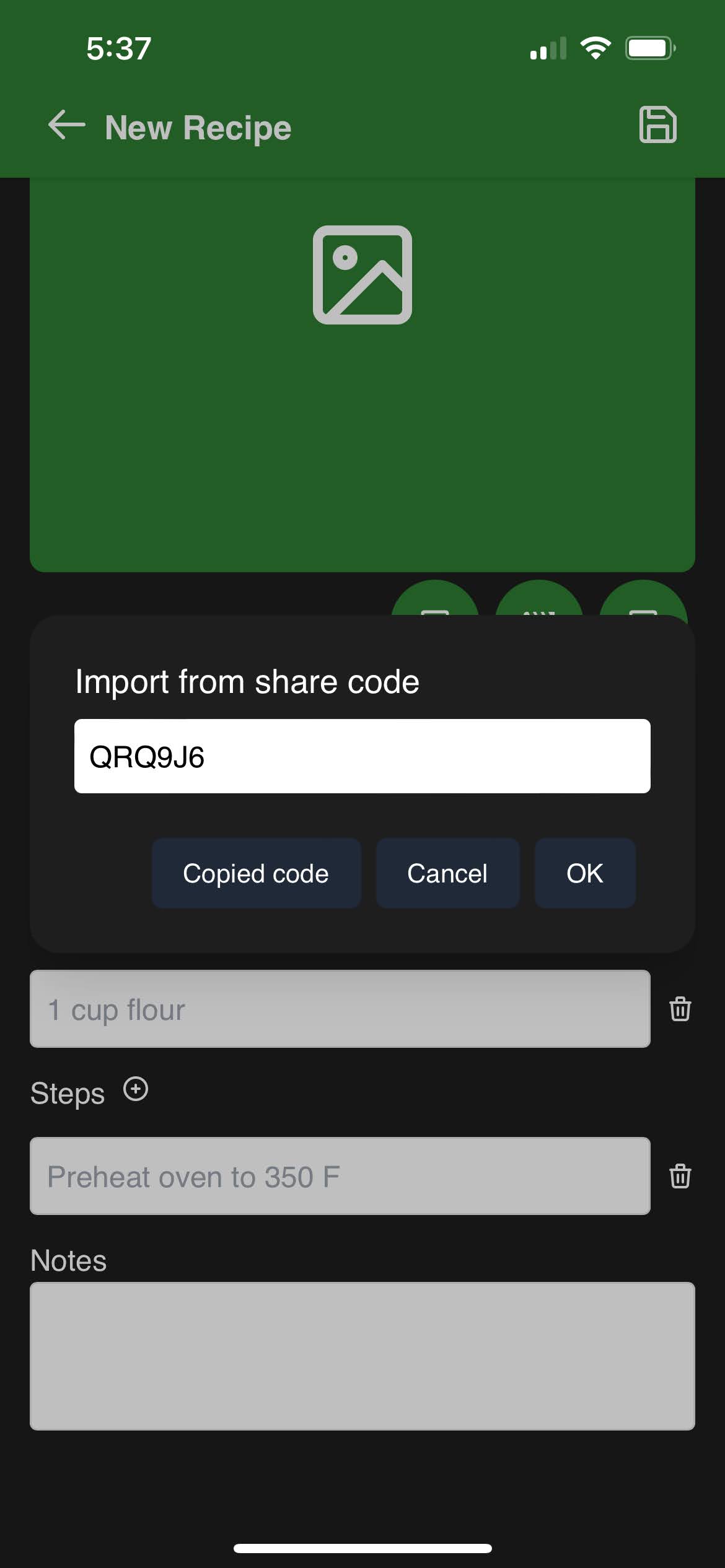
Using this method, you can share a recipe without having to send it as text or file. This method is useful when you want to share a recipe with someone who is using Sharp Cooking. The recipient can import the recipe directly into Sharp Cooking using the share code.
NoteBy using the share code feature, you agree to the terms defined in the Privacy Policy.
➡️
 ➡️
➡️
 ➡️
➡️
 ➡️
➡️